top of page


Setting up


Open a browser
From here you'll search for "CCCone.com/login" and you'll login to CCC


CCC Settings
Once you're in CCC, you'll open the menu in the top left corner and then select the settings at the bottom

Open Secure Share
From here you'll open your App Store in CCC

Select Collabtic
Once you're in the App Store, find and select Collabtic

Enable Collabtic
Once you go through the Info and settings, slide to Share estimate data with Collabtic
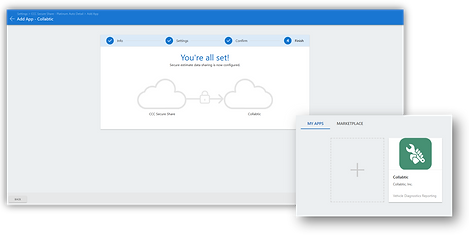
Collabtic in "My Apps"
After you connect to Collabtic, it will show under "my Apps"


Connect CalPro
Finally you will Enter your Repair Facility ID Into CalPro. This is a 5 Digit number which can be found in your URL while signed into CCC
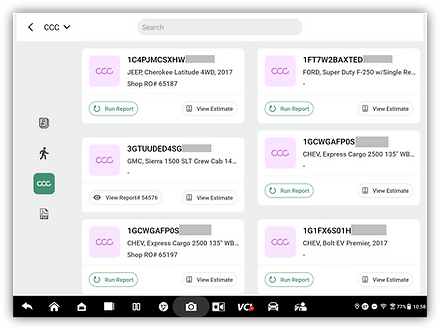
Ready to go
Once connected you will see any future CCC Data in CalPro

bottom of page